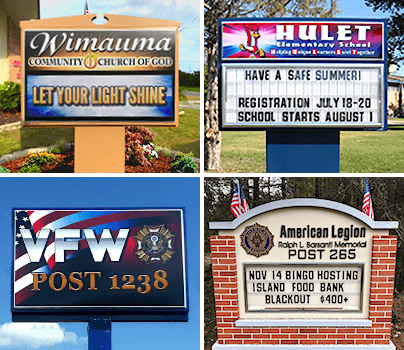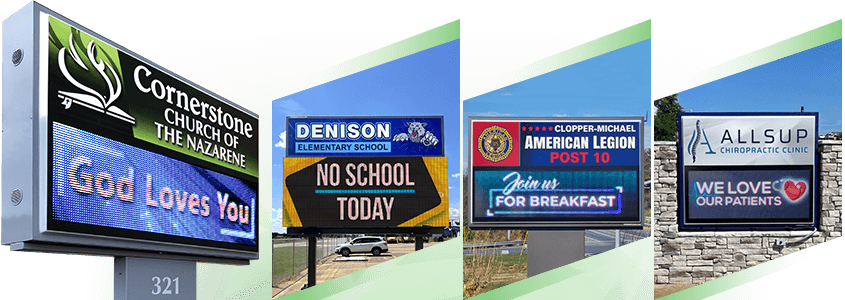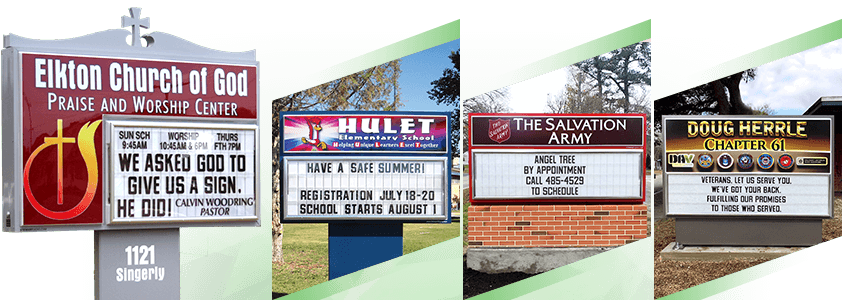
Your outdoor LED sign is only as effective as its timing. With cloud-based LED sign software, you can schedule messages to display at the right moment boosting visibility, engagement, and response. Here’s how to optimize your LED sign scheduling strategy.
1. Schedule Around Peak Traffic Times
Every location has peak visibility times. The key is making sure your most important messages show when your audience is most likely to see them.
- For example:
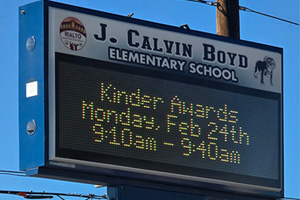
- Schools: Display reminders during morning drop-off and afternoon pickup
- Churches: Promote services mid-week and on weekends
- Businesses: Highlight specials during lunch and evening rush hours
2. Use Dayparting for Targeted Messaging
Dayparting allows you to show different messages throughout the day based on audience behavior.
- Morning: Welcome or awareness messages
- Midday: Promotions or announcements
- Evening: Events or deadlines
3. Rotate Messages to Prevent Sign Blindness
When people see the same message repeatedly, they start to tune it out.
- Best practices:
- Rotate 3–6 messages
- Keep text short and readable
- Update content every 2–4 weeks
4. Schedule Countdown and Time-Sensitive Content
Timely messaging drives action. Countdown-style content is especially effective for increasing urgency.
- Examples:
- “Sale Ends Friday”
- “Register by Monday”
- “Event This Thursday"
5. Update Content Remotely in Real Time
Cloud-based LED sign software allows instant updates from anywhere. Whether you're in the office or on the go, your sign is always within reach.
- Quickly adjust messaging based on:
- Promotions
- Events
- Weather or emergencies
Strategic scheduling transforms your outdoor LED sign from a simple display into a powerful communication and marketing tool. With cloud-based software, you can automate content, target peak visibility times, and keep messaging relevant—all from one easy-to-use platform. Ready to simplify your messaging and boost engagement? Reach out today to see how our cloud-based LED sign solutions can help you get better results with less effort.
Frequently Asked Questions:
- What is the best time to schedule LED sign content?
Peak commuting hours, lunch periods, and early evenings typically generate the most visibility and engagement. - How often should LED sign content be updated?
Update every 2–4 weeks for general messaging. Promotions and events should be updated more frequently. - What is dayparting in digital signage?
Dayparting is scheduling different messages at specific times of day to match audience behavior and increase relevance. - Can cloud-based LED sign software automate scheduling?
Yes. Cloud-based platforms allow you to schedule, rotate, and update messages remotely and automatically. - Does scheduling LED sign content improve engagement?
Yes. Timely, targeted messaging consistently outperforms static content in visibility and response rates.